



Generate your own Windows installations by means of USB
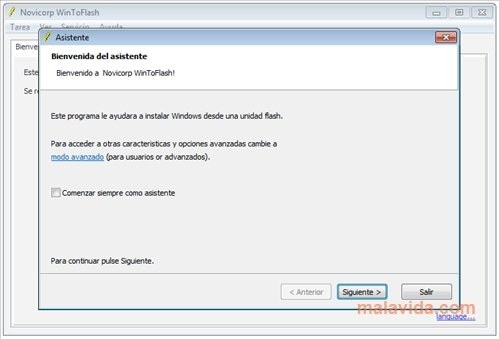
USB ports are much quicker than optical units, so they are much more useful when it comes to installing an operating system quickly. And taking into account that most computers nowadays allow us to launch from the USB port, it is logical that utilities like WinToFlash are developed.
Install Windows from a USB stick
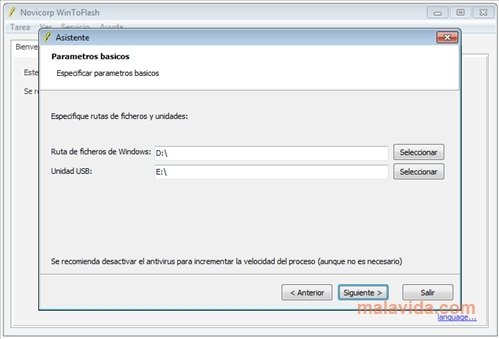
This simple program is perfect to create a bootable USB on which we can include all the Windows files that we want. All we'll have to do is indicate where the DVD or CD with Windows is and the letter of the port that USB pendrive is connected to, WinToFlash will format, copy and configure all the things necessary, so that we have a brilliant USB from which to install Windows.
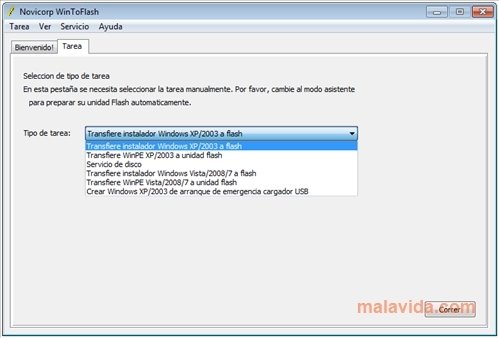
Right now it's possible to transfer Windows XP, 2003 Server, Vista, 2008 Server and Windows 7, to be able to install them straight from the USB memory. But, furthermore, you can also create a sort of LiveCD if your Windows copy allows you to do so.
 Leticia Sorivella
My name is Leticia. I really like movies, television, and music. That is why I studied Audiovisual Communication. In the beginning, I wanted to work in movies, but I ended up on television. Then, I went from being behind the cameras to being in...

Antony Peel